Podcasts add spoken content to your stream: segments, news, stories, talks about your venue. Tunio supports two podcast types — AI (the platform writes and voices the episodes itself) and Manual (you upload finished audio files). The section is in the left menu — Podcasts.
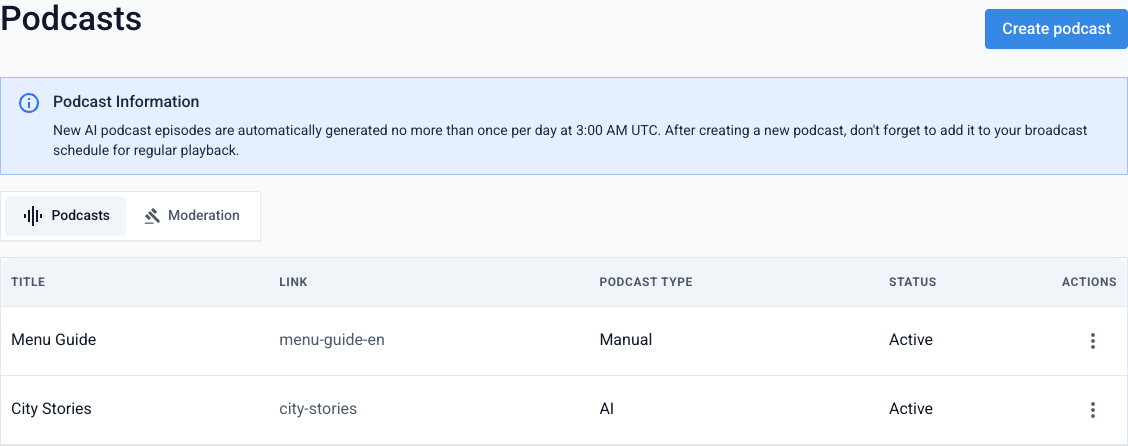
Each podcast shows its type (AI / Manual) and status (Active / Inactive). Above the list there are two tabs: Podcasts and Moderation.
AI podcast
The platform generates new episodes from your prompt and voices them with the selected voice.
Create a podcast
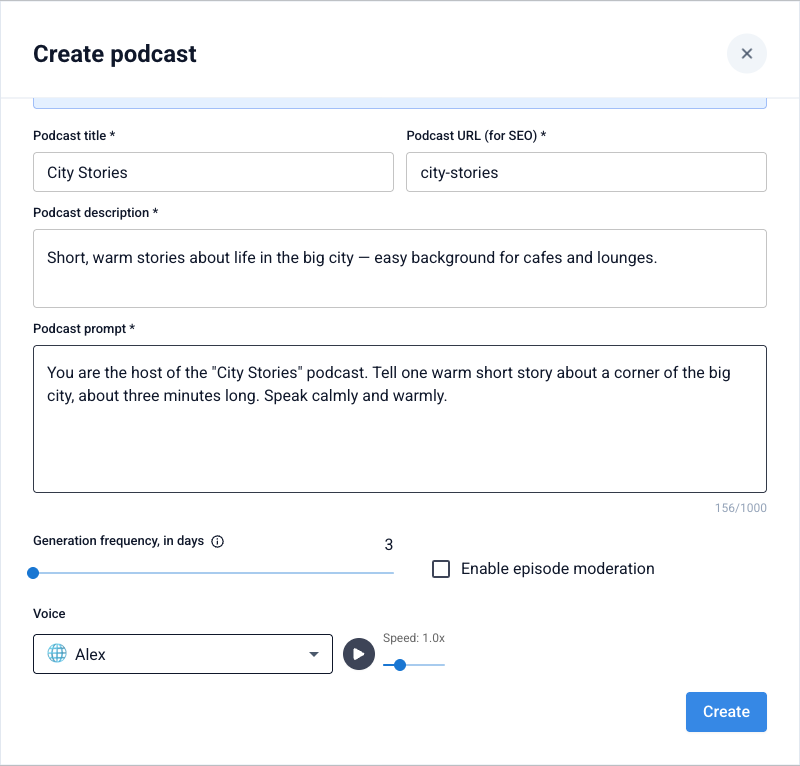
Click Create podcast, pick the AI type, and fill in the title, URL (for the link), and description.
The AI podcast creation form Set the prompt
In the Podcast prompt field describe what the host should talk about and in what style. The prompt drives the content of the episodes.
Set frequency and voice
Use the Generation frequency, in days slider to set how often a new episode is created (from 3 to 14 days), and pick the voice with its speech speed.
Enable moderation (optional)
The Enable episode moderation checkbox sends new episodes for review before they go on air (see the "Moderation" section below).
New AI podcast episodes are generated automatically, no more than once per day at 3:00 AM UTC, and no more often than the number of days you set. The first episode won't appear instantly — give the platform time to generate it.
Manual podcast
You upload finished audio episodes yourself — for example, segments recorded by a host.
Create a podcast
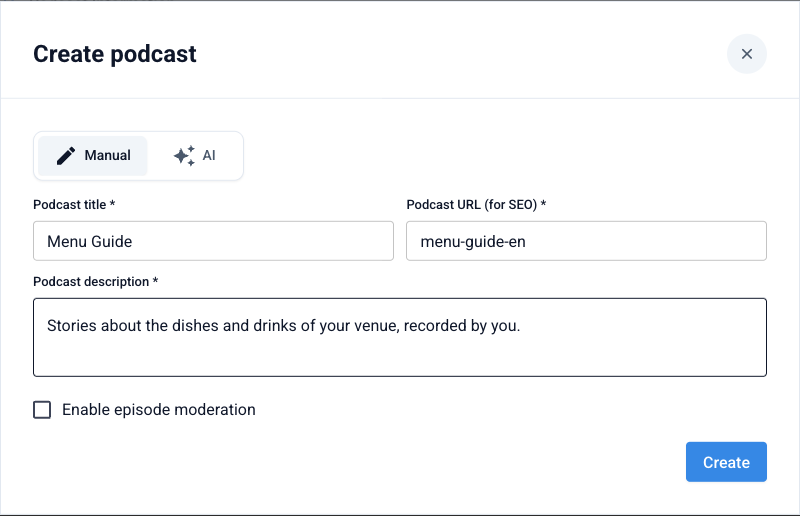
Click Create podcast, pick the Manual type, and fill in the title, URL, and description.
The «Manual» type — no prompt and no generation Upload an episode
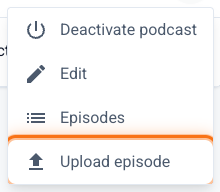
In the podcast's ⋮ menu choose Upload episode — set a title and pick an audio file.
The «Upload episode» item is only available for manual podcasts
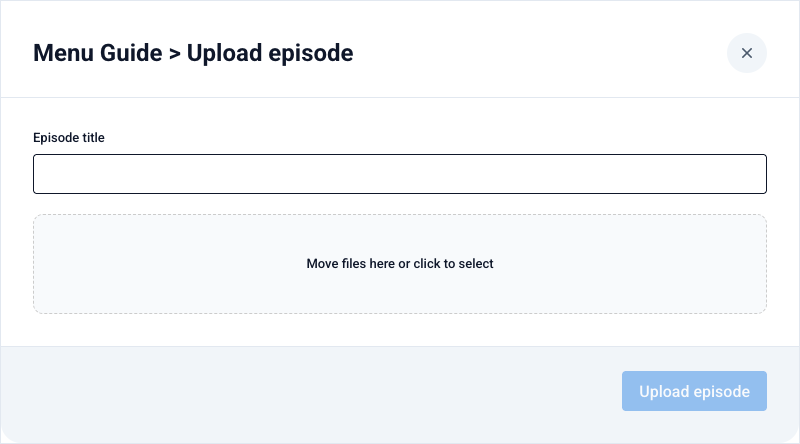
Manual podcast episodes can also be uploaded via the API — a curl command with your token and podcast ID is shown when you edit the podcast. Handy for automatic publishing from your own system.
Moderation
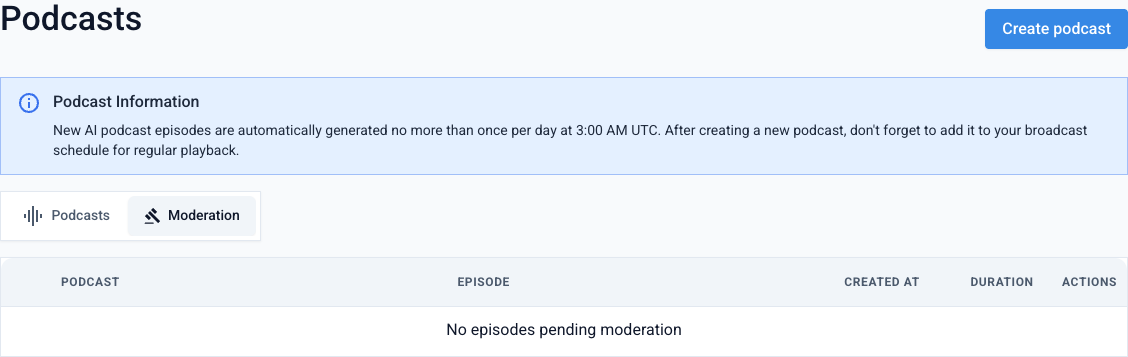
If moderation is enabled for a podcast, new episodes don't go on air right away — they land on the Moderation tab. There each episode can be previewed and, via the ⋮ menu, Approved (released on air) or Rejected (deleted). Without moderation, episodes become available automatically.
Going on air
In the ⋮ menu a podcast can be activated/deactivated, opened as a list of Episodes, or edited. For a podcast to play on air regularly, add it to the stream schedule as content of type "Podcast" — otherwise episodes won't play even if the podcast is active.
Create a podcast